
Build the menu. Know what it costs.
Connect purchased inventory, prep recipes, menu items, selling prices and catering orders inside one costing workflow built for real restaurant operations.
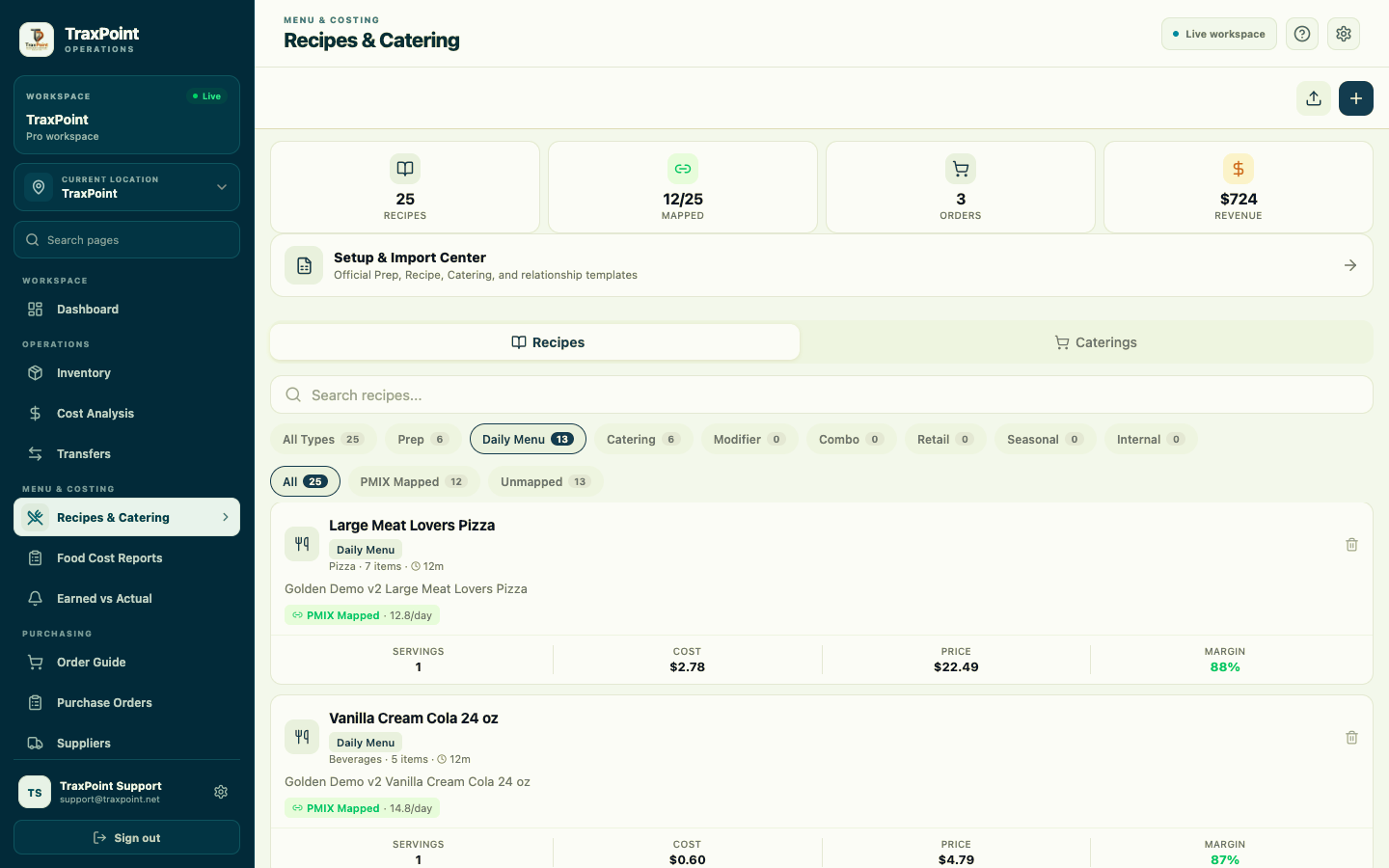
See the recipe workflow. From setup to calculated cost.
This full TraxPoint demo walks through the Recipes & Catering workspace, recipe creation, ingredient selection, quantities, units, selling price and calculated recipe cost.
Recipes are operational data. Not just a list of ingredients.
TraxPoint gives each recipe the information needed to connect menu structure, costing, PMIX relationships and restaurant operations.
Recipe Types
Organize Prep, Daily Menu, Catering, Modifier, Combo, Retail, Seasonal and Internal recipes.
PMIX Mapping
Connect menu recipes to PMIX items so sales activity can relate back to the recipes being produced.
Cost & Price
Keep calculated recipe cost, selling price and margin visible together for easier review.
Catering
Build catering items from recipes, select quantities and create customer orders from the same workspace.
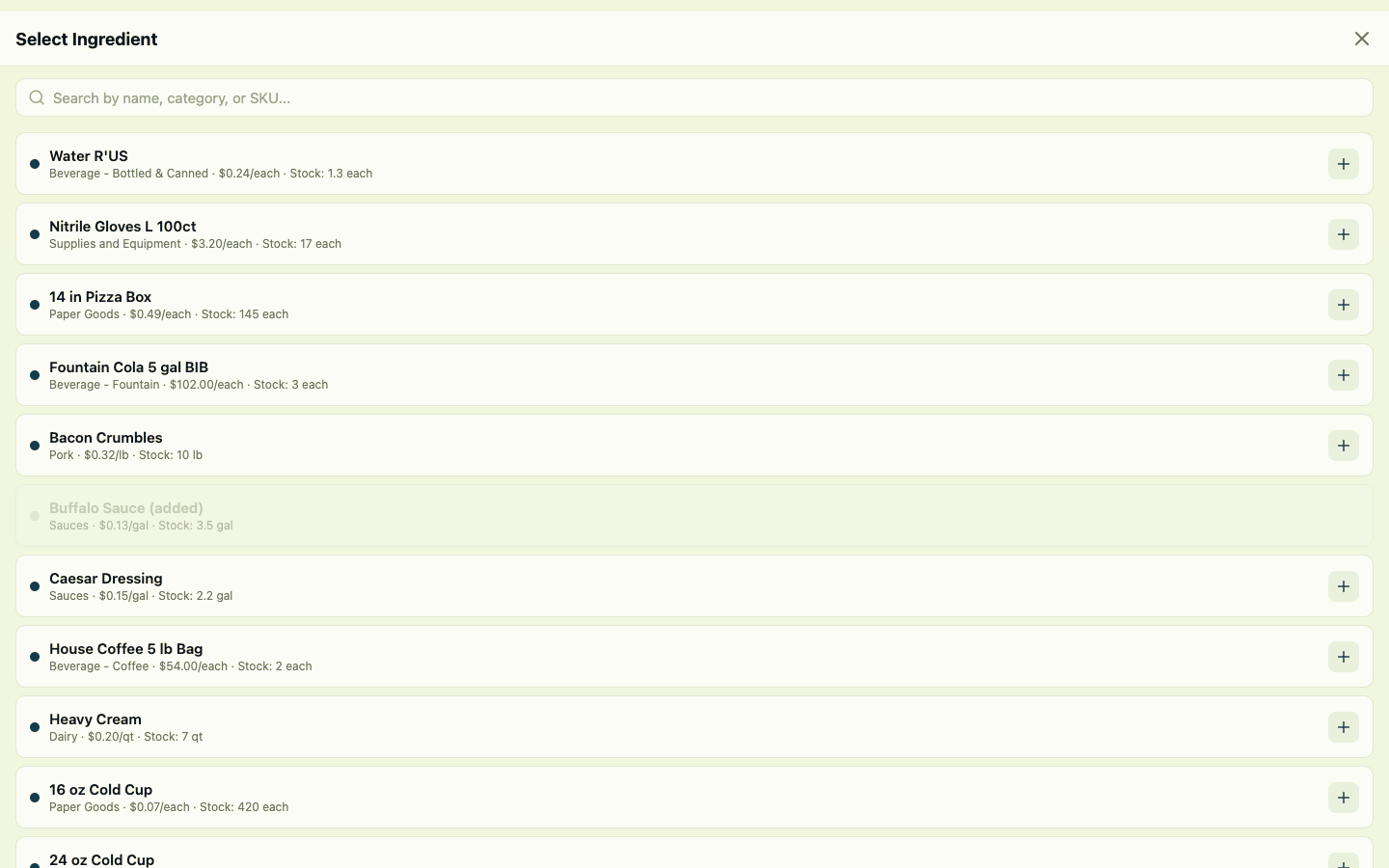
Start with the products you buy. Bring them directly into the recipe.
Ingredient selection connects recipe building back to TraxPoint Inventory, including item cost, stock position, category and the unit used by the restaurant.
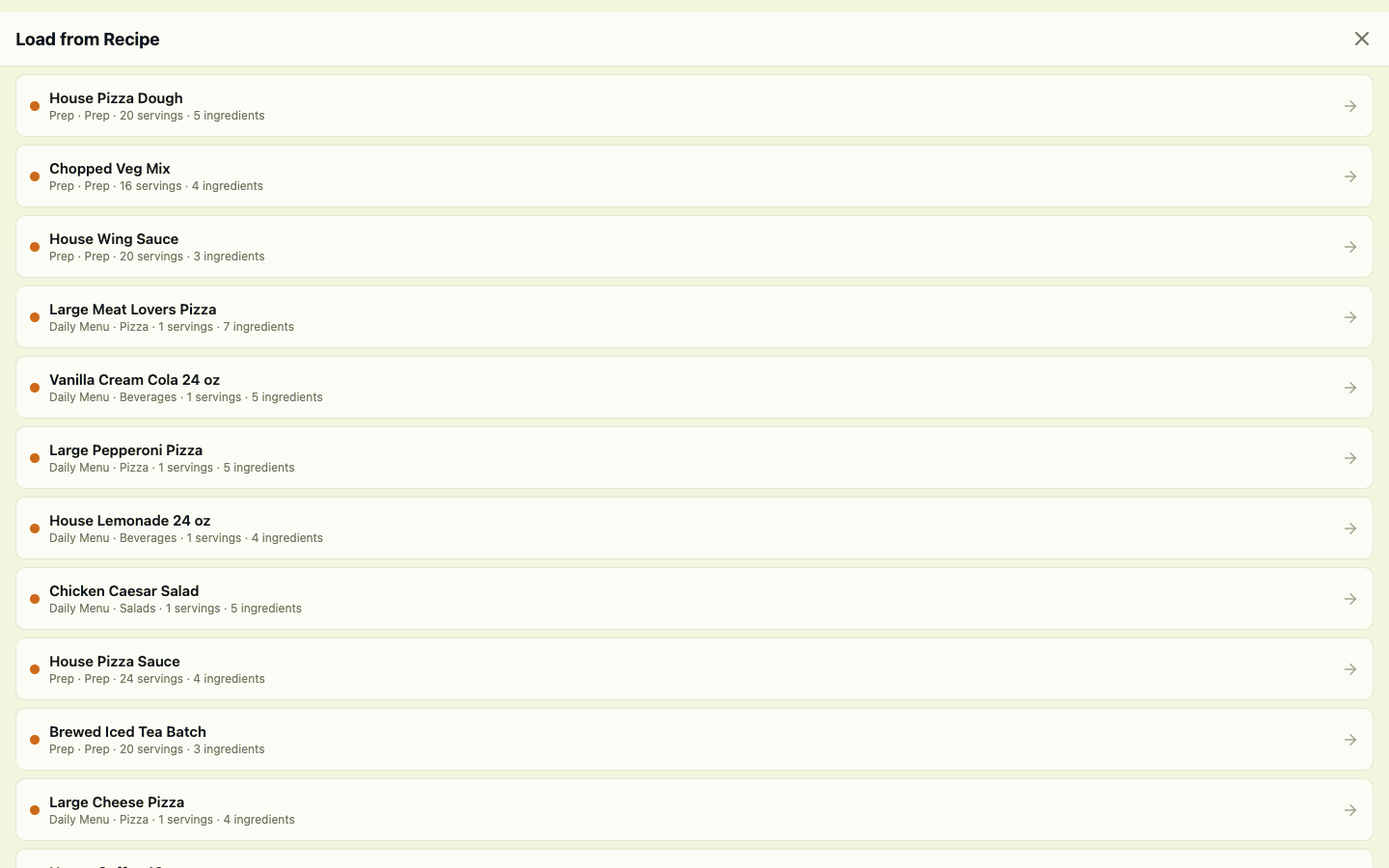
Prep it once. Use it where it belongs.
TraxPoint can load from existing recipes, allowing prep items and other established recipes to become part of another menu item instead of rebuilding the same ingredients from scratch.
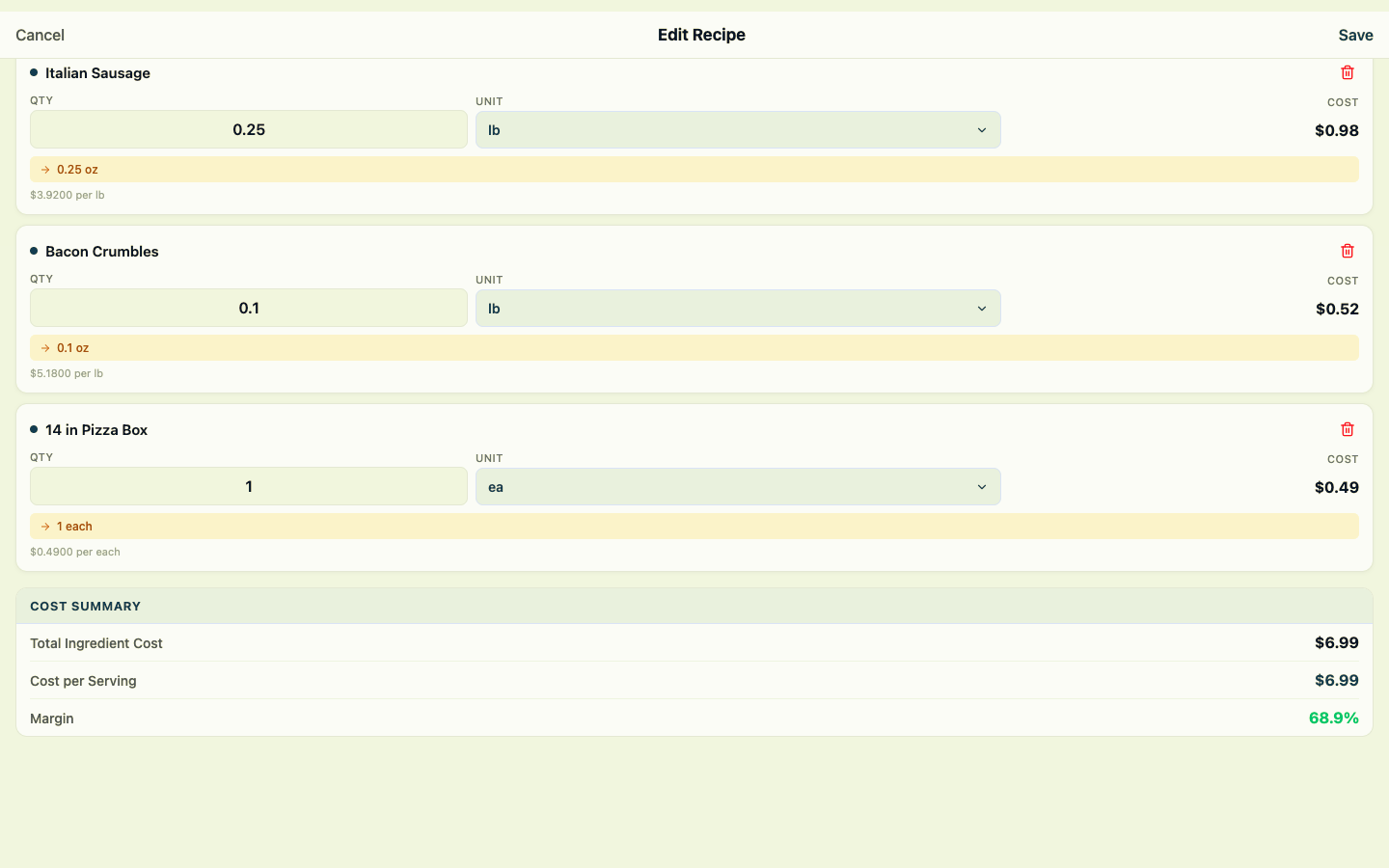
Build the recipe. See the cost immediately.
Ingredient quantities and units build toward the calculated cost of the finished recipe. TraxPoint keeps the total ingredient cost, cost per serving and margin visible as part of the recipe workflow.
Turn recipes into catering orders. Keep cost and customer value together.
Build catering orders from established recipe items, select quantities and review the customer order value alongside the underlying recipe cost.
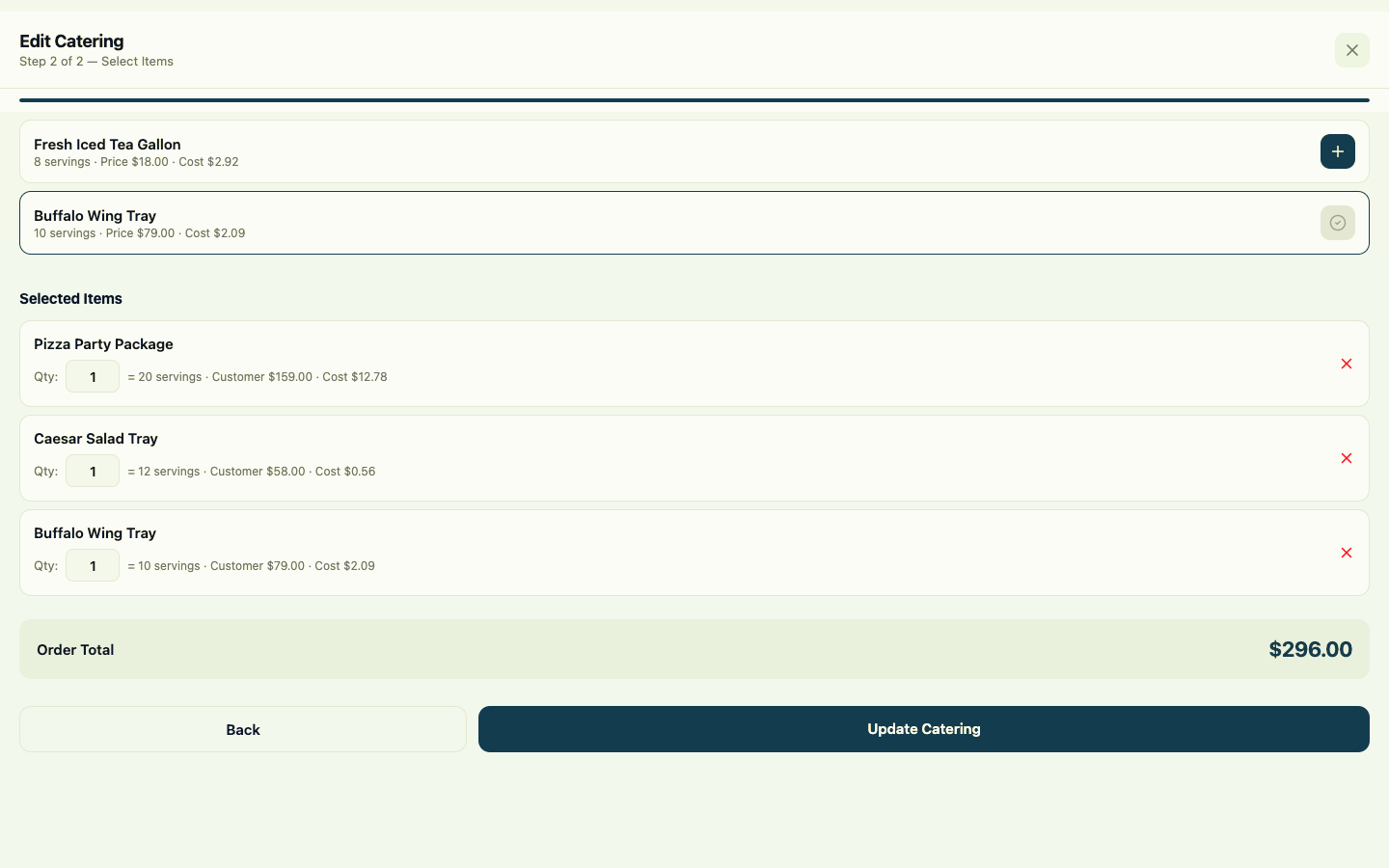
Build the order. Keep the numbers visible.
Catering items carry serving information, selling price and recipe cost into the order. Select the items and quantities needed, then review the customer total before updating the catering event.
Recipes connect the menu. TraxPoint connects the operation.
Recipe information becomes more useful when it stays connected to Inventory, Cost Analysis, PMIX and the purchasing information behind the ingredients your restaurant actually buys.
Inventory
Bring real product costs, stock information and usable inventory units into the recipe workflow.
Explore Inventory →Cost Analysis
Use connected recipe, cost and sales information as part of the broader food-cost picture.
Explore Food Cost →Reporting & PMIX
Map menu recipes to PMIX items so recipe structure can relate back to the products customers actually purchase.
Explore Reporting →Build it once. Keep cost connected.
Start your 14-day TraxPoint free trial and connect Inventory, Recipes, Catering, PMIX and food-cost information inside one restaurant operating system.